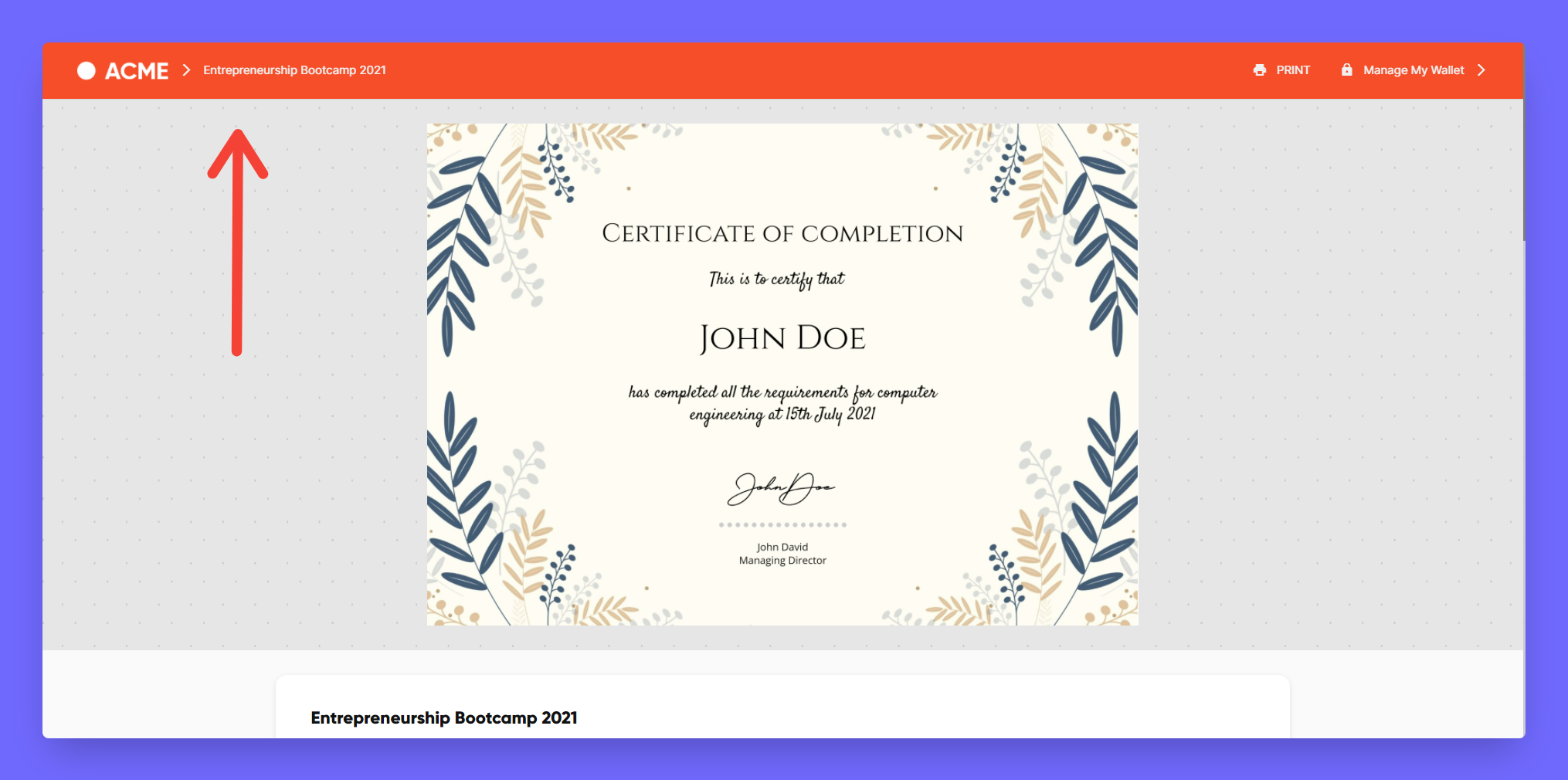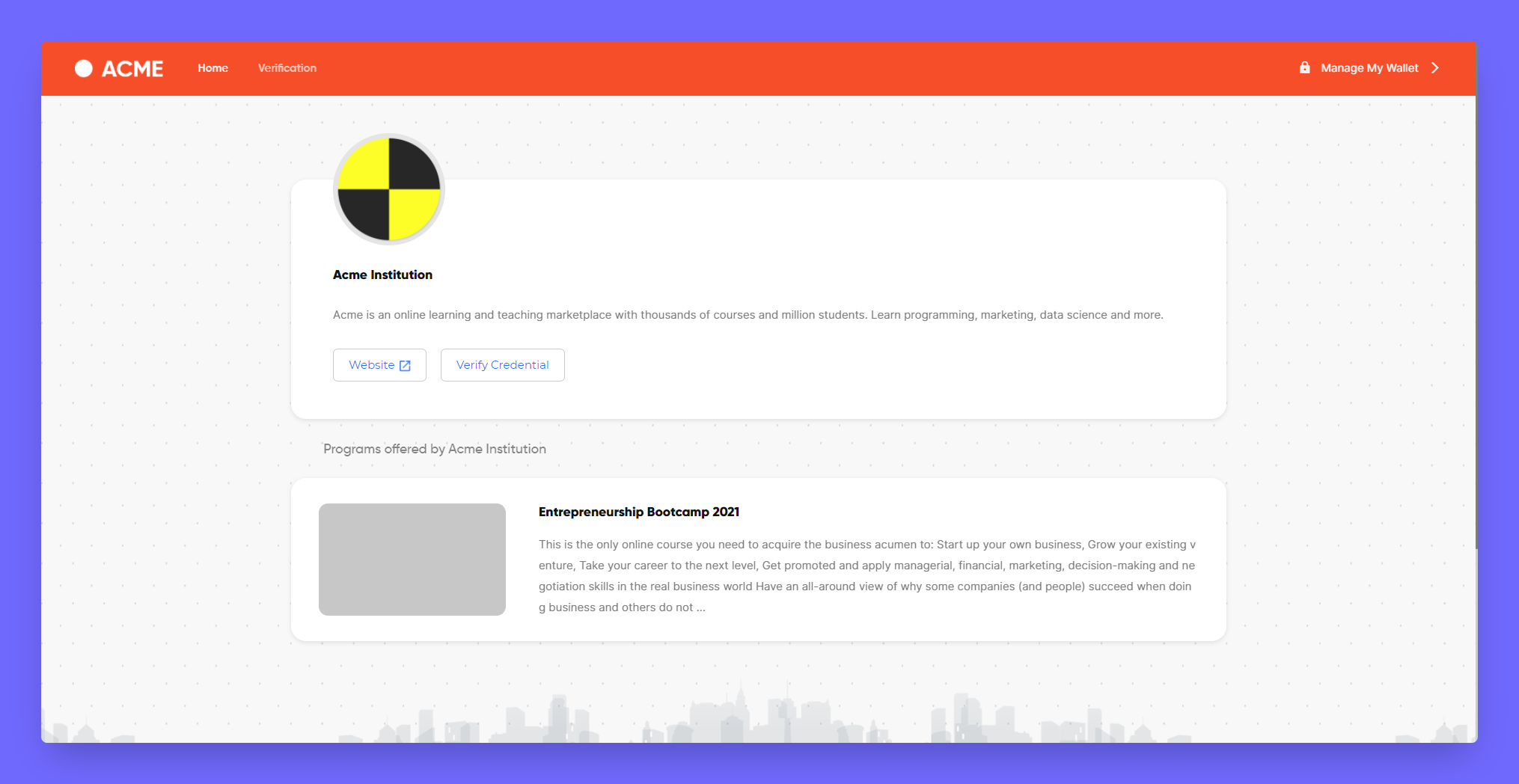
#
8. Branding and White-labeling
The branding and white-labeling are premium features, that helps you to setup the how the landing page appears for the certificates issued and were and how it is displayed for the receivers/verifiers of the certificate.
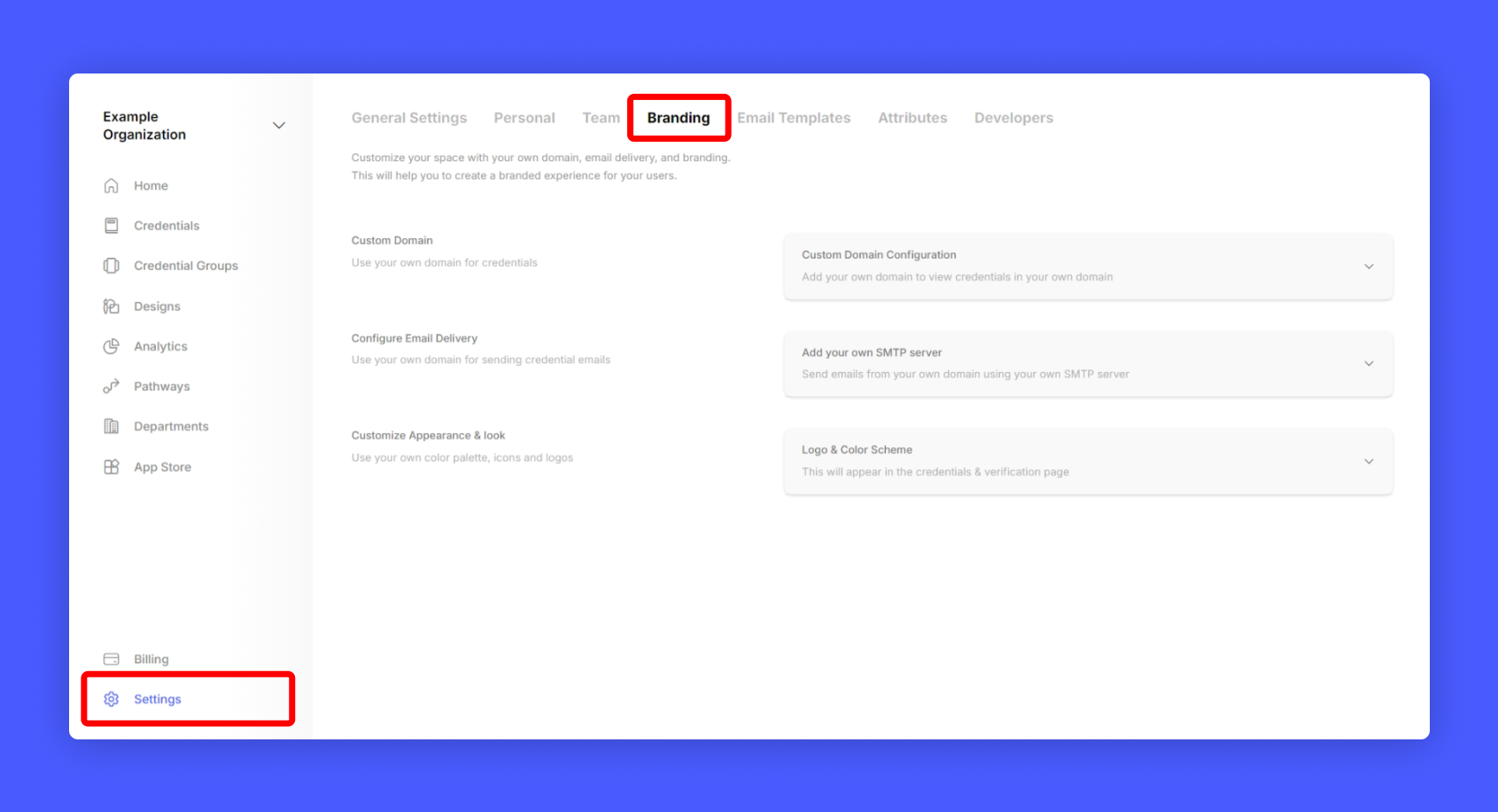
Go to Settings > Branding from your issuer account home page to access your branding settings.
#
Customize Appearance & look
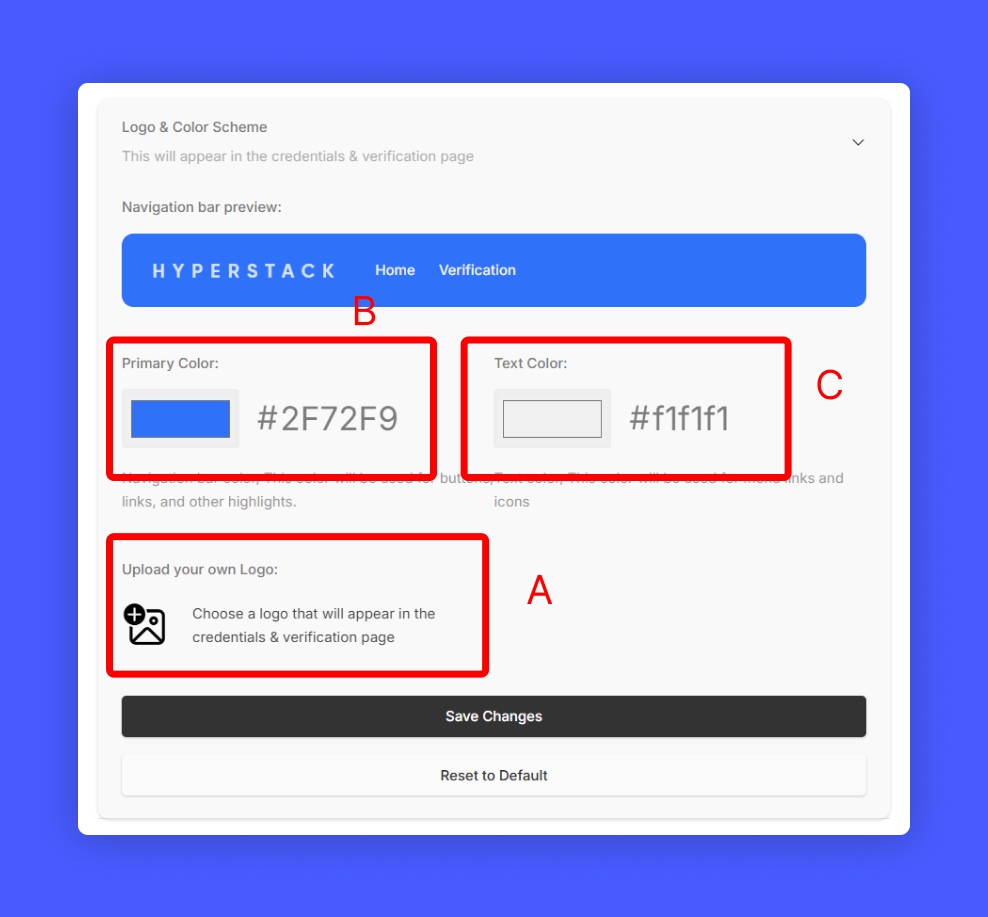
Under Brand Page, Select Customize Appearance & look to change the appearance of the credential page. You can customize the following:
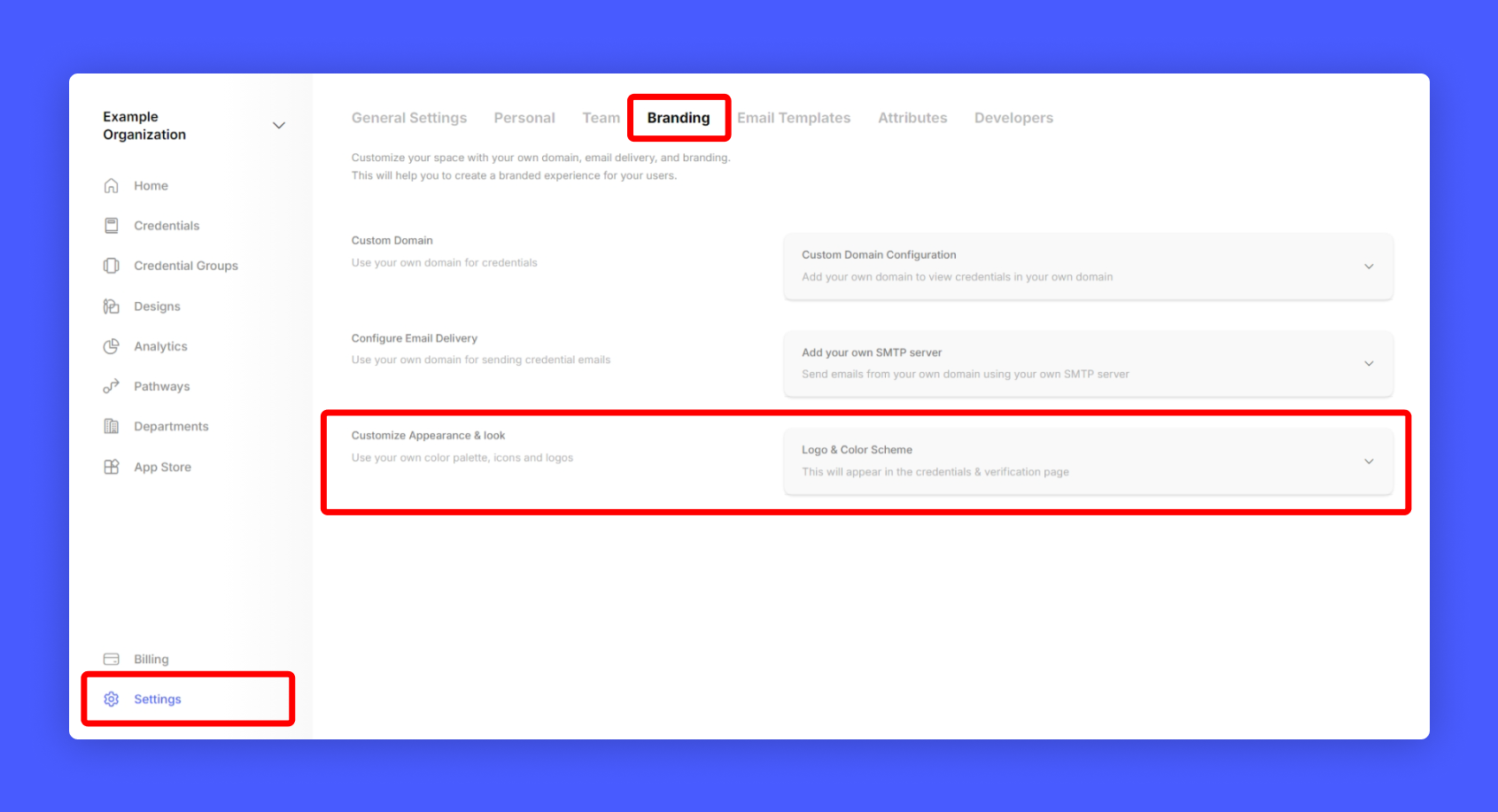
Update the following details:
- Horizontal Logo (Used in Credential Navigation bar)
- Navigation Bar color (Used in navigation bar background color)
- Primary text color (Used in credential page navigation bar menu)
Don't forget to save your changes
#
Adding your own Domain
To change domain address for your credentials and showcase page. Select Custom Domain. and enter your desired sub-domain name. Make sure to add a CNAME record in your DNS settings pointing to hosting.thehyperstack.com
eg: credentials.yourdomain.com
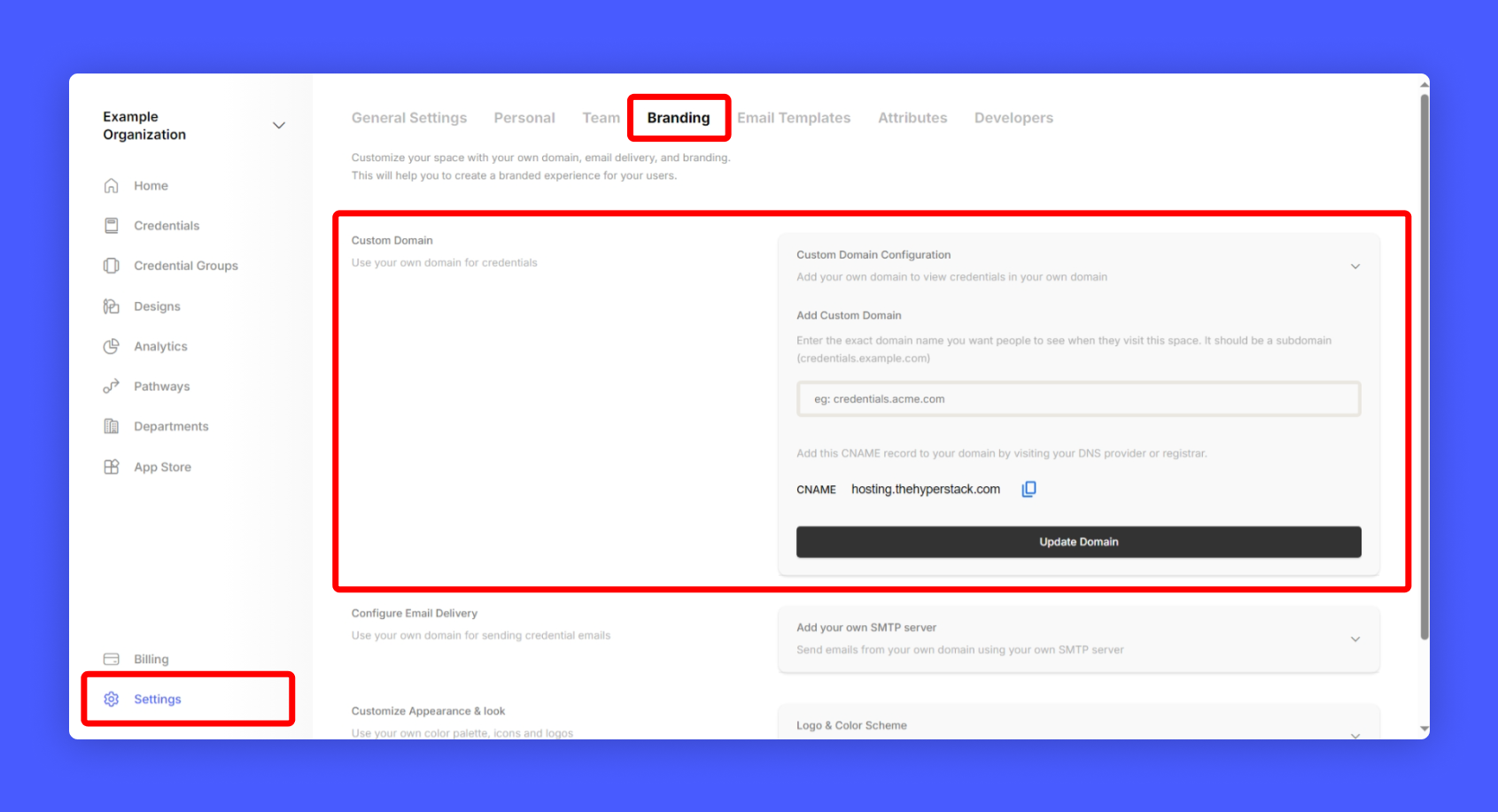
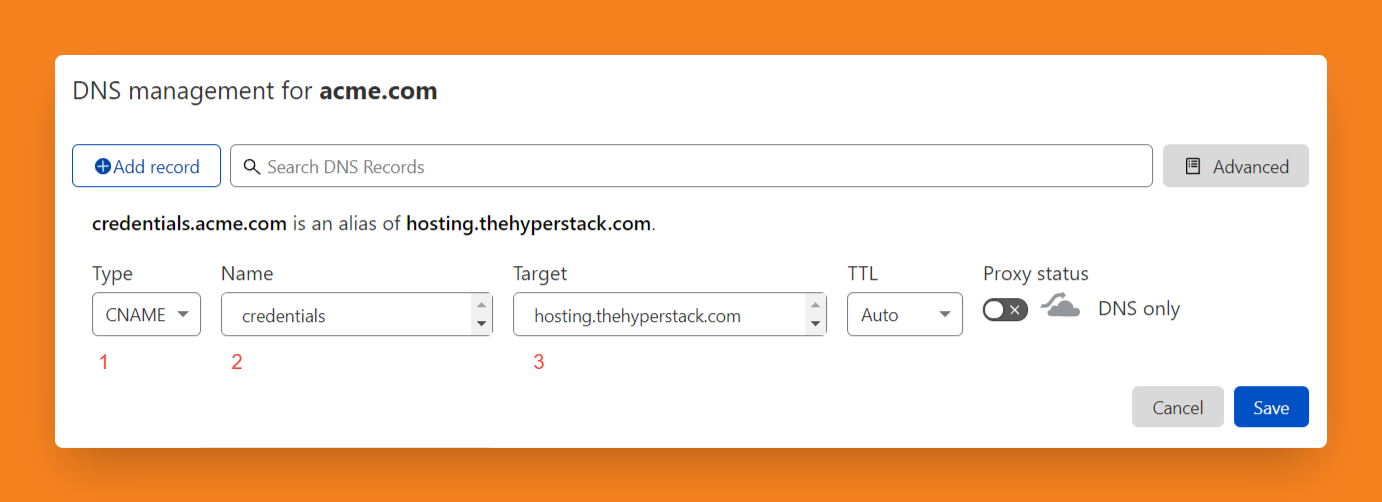
Next step is to add a CNAME record in your domain's DNS settings.
Go to DNS settings in your Domain provider dashboard and add CNAME hosting.thehyperstack.com to your DNS Record pointing to your sub-domain.
#
Final Look after Branding
Let's see how it looks like after branding